
Best AI tools for parents with school-aged kids in 2026

By David Reich, Founder & CEO of Fambot
Published: August 10, 2026 · Last updated: September 1, 2026
Article Summary (TL;DR)
The best AI tools for parents with school-aged kids are the ones tied to a real family job: finding school logistics, explaining homework, building study practice, improving writing, or creating projects. Start with the task, set family rules, and choose tools that reduce parent copy/paste instead of creating another thing to manage.
What are the best AI tools for parents with school-aged kids in 2026?
The best AI tools for parents in 2026 are Fambot for school logistics, ChatGPT Study Mode for guided explanations for students, Khanmigo for tutoring-style practice, Photomath for math steps, Quizlet for studying, Grammarly for writing support, Canva for creative projects, and Family Link or built-in parental controls for safety.
AI is already part of school life. Pew found that 64% of U.S. teens ages 13 to 17 say they use AI chatbots, while only 51% of parents say their own teen uses them (Pew Research Center).
College Board reported that 84% of high school students used generative AI for schoolwork by May 2025, and 69% used ChatGPT for assignments or homework (College Board).
That makes the parent question practical. The job is to separate useful tools from shiny distractions, then decide where a parent should stay involved.
Which AI apps are actually useful for parents?
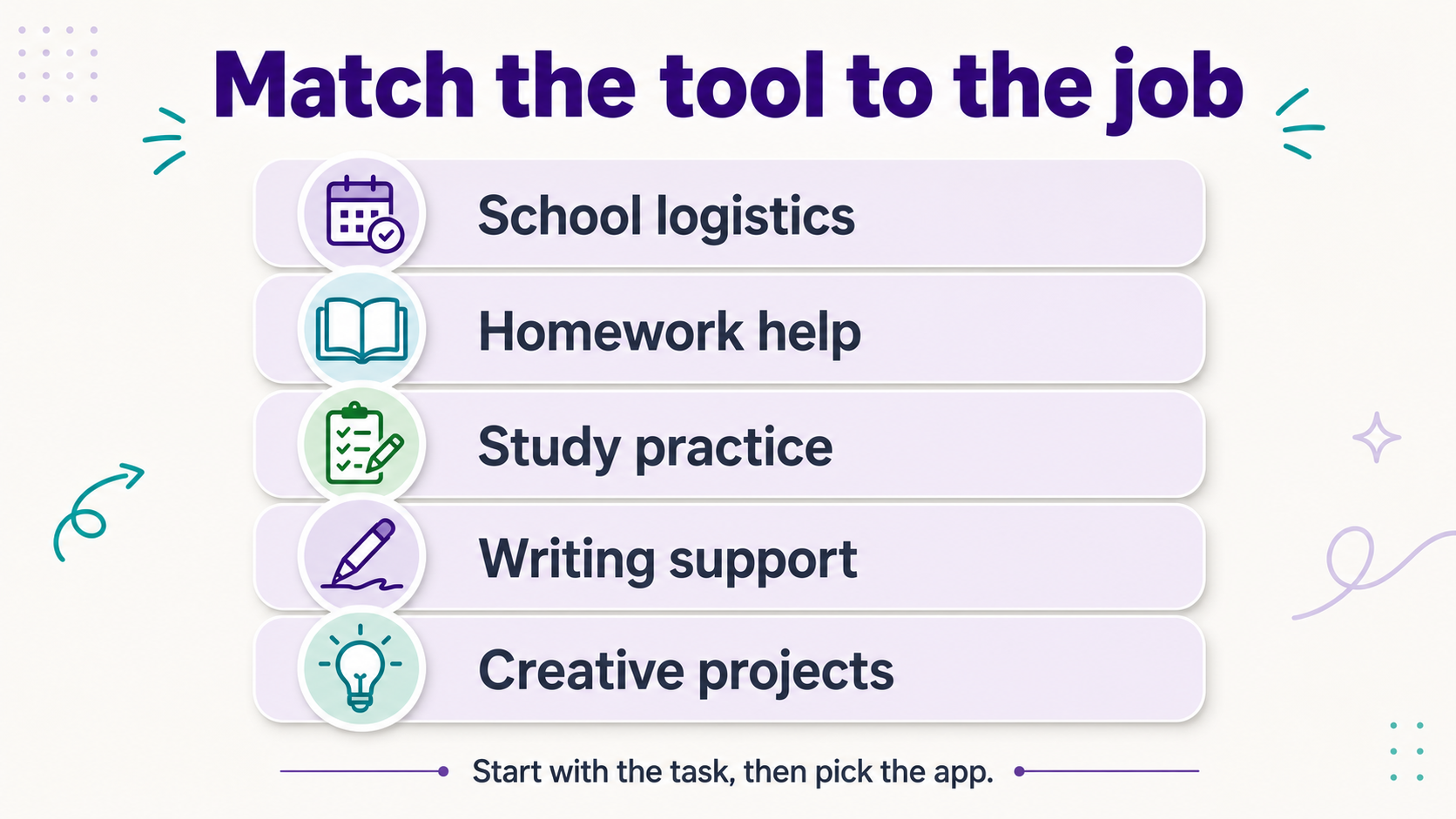
The useful apps are the ones that remove a specific kind of work. Fambot helps with school emails and calendar details. ChatGPT, Khanmigo, and Photomath help students understand homework. Quizlet turns material into practice. Grammarly improves writing. Canva helps children turn ideas into presentations and visual projects.
How should parents choose between a chatbot, an AI tutor, and a family assistant?
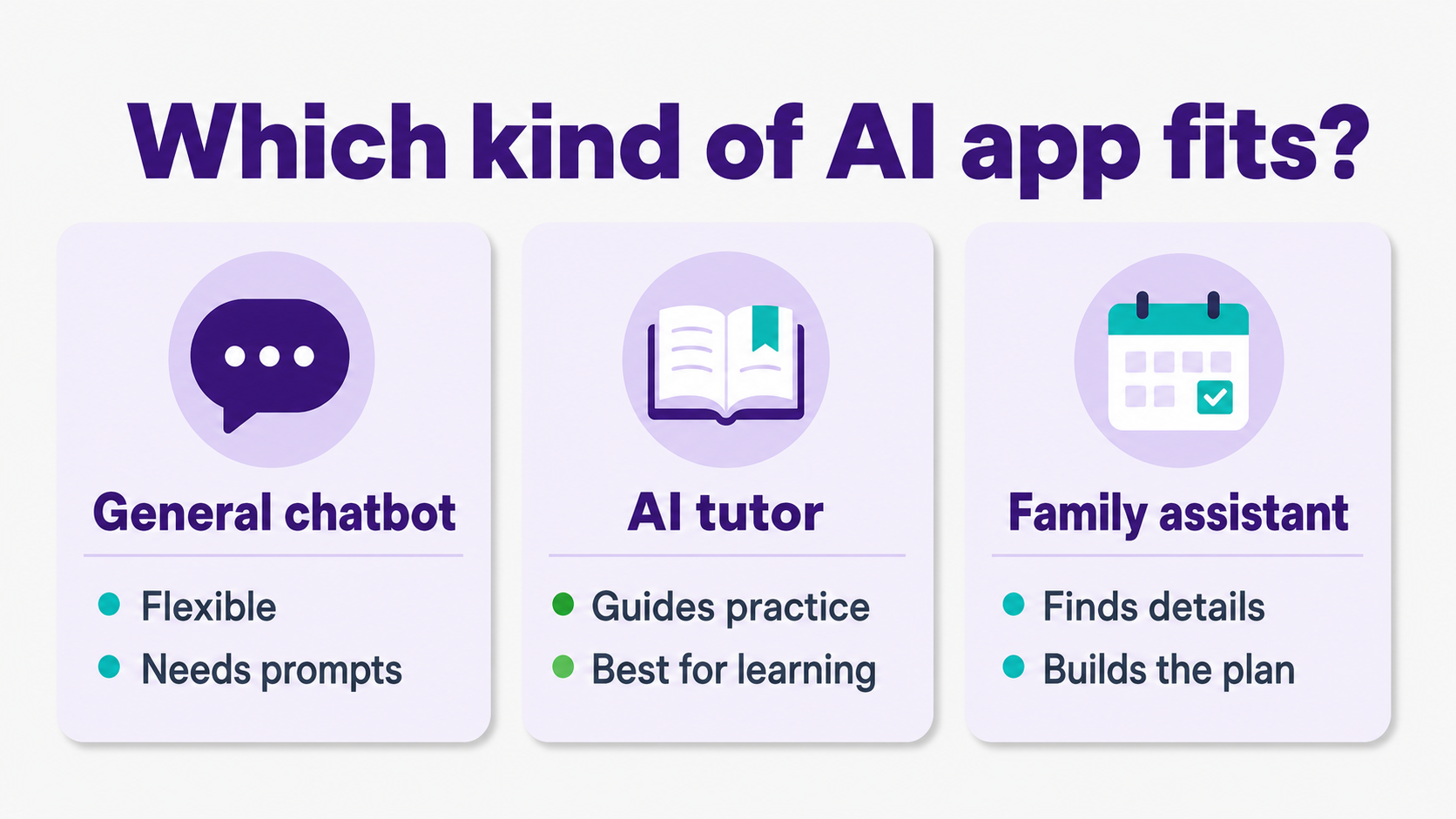
Choose by the job. A general chatbot is flexible, but it needs clear prompts. An AI tutor is better when the child needs practice and explanation. A family assistant is better when the parent needs school details found, organized, and turned into a plan.
General chatbots are good for brainstorming, explaining a reading passage, making practice questions, or helping a parent translate teacher instructions into a calmer checklist. They still depend on the user asking the right question and checking the answer.
OpenAI says ChatGPT Study Mode can guide students with questions, break concepts into sections, check understanding, and work with uploaded materials such as images or PDFs (OpenAI Help Center).
Fambot turns school emails, newsletters, calendar updates, WhatsApp group reminders, and other family sources into a clear daily plan. Parents can use Fambot on iOS or Android, connect Gmail, Outlook, Apple Calendar, Google Calendar, and WhatsApp, share the family account with another caregiver, and ask follow-up questions in the app (Fambot).
Which tool is best for school logistics?
Fambot is the best fit for school logistics because it starts where the work usually starts: scattered school emails, newsletters, calendar updates, forms, WhatsApp groups, and reminders. It works on iOS and Android, supports shared family accounts, finds what matters, turns details into calendar events and to-dos, and sends parents a clear daily plan.
That difference matters because a family calendar is only as good as the information someone has already entered. Fambot is built for the work that happens before the calendar is useful: reading, deciding what matters, creating reminders, and catching schedule changes.
Fambot is a good fit when the question is, "Did we miss anything from school?" It is not relevant when a child simply needs a math explanation, essay feedback, or flashcards.
Which AI tool is best for homework help?
For homework help, use ChatGPT Study Mode or Khanmigo when the goal is understanding, and use Photomath when the problem is math-specific. The parent rule should be simple: the tool can explain, quiz, and coach, but the child should still attempt the work first.
Khan Academy says parents with Khanmigo enabled on their own account can enable or disable Khanmigo for connected child accounts, with district-account access handled by the school district (Khan Academy Help Center).
Khan Academy’s family course includes parent-focused Khanmigo lessons, learner activities, companion mode, and ways to monitor learner use (Khan Academy).
Photomath is strongest for math because it scans problems and shows step-by-step solving. Its help page says the app can recognize math from arithmetic through calculus and show how to solve the problem step by step (Photomath Help).
Which AI tools help with studying, writing, and creative projects?
Quizlet is best for turning notes into practice. Grammarly is best for writing feedback and transparent revision. Canva is best for presentations, worksheets, and visual assignments. These tools are useful when they make practice or revision easier without replacing the student’s work.
Quizlet says its AI tools can generate practice tests, study guides, PDF summaries, flashcards, and homework explanations, with some features free and more advanced tools in Quizlet Plus (Quizlet).
Grammarly’s student page emphasizes AI writing support, citation help, AI disclosure, plagiarism checks, and Authorship tools that show how text was created or revised (Grammarly).
Canva says Canva for Education is free for K-12 schools globally, reaches more than 50 million students and teachers, and includes AI tools with administrator controls and student safety measures (Canva).
What safety rules should parents set before using AI apps?
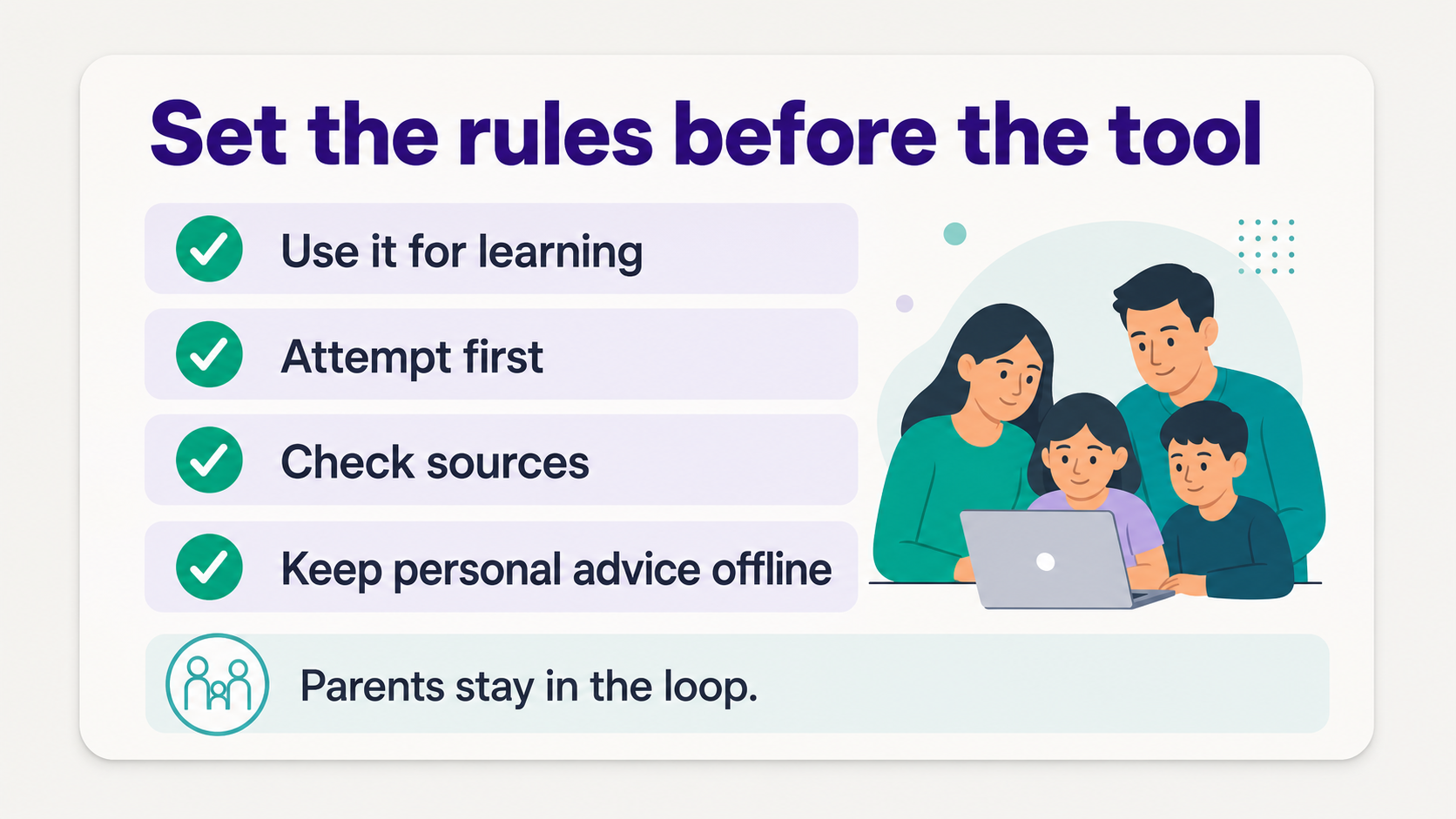
Set the rules before the tool gets interesting. Parents should decide what AI can help with, what the child must try first, which sources need checking, what personal topics stay offline, and which apps need parental controls, school approval, or shared review.
Pew found that about 8 in 10 parents would be comfortable with their teen using chatbots to search for information, while much smaller shares are comfortable with more personal uses. The clearest line is emotional support or advice, where only 18% of parents would be comfortable (Pew Research Center).
That gap is the rulebook. AI is reasonable for explanations, practice, planning, and creative help. It should not become the private place where a child handles emotional distress, personal advice, or serious decisions without an adult.
OpenAI says linked teen accounts let parents set quiet hours, turn off voice mode, turn off memory, remove image generation, opt out of model training, and set Study Mode as the default for new chats. Robbie Torney of Common Sense Media put the larger point plainly: "Parental controls are just one piece of the puzzle" (OpenAI).
Google Family Link can help parents set screen time limits, manage app use, view device location, and manage privacy settings for supervised Google accounts and devices (Google Family Link).
What is the simplest AI starter stack for most families?
Most families do not need 12 AI subscriptions. A practical starter stack is one family-logistics tool, one study or tutoring tool, one math tool if math is a frequent friction point, one writing tool for older students, and device-level controls.
- For school logistics. Fambot, especially if school details live in Gmail, Outlook, Apple Calendar, Google Calendar, WhatsApp, and the family needs one shared account on the parent’s phone.
- For explanations and practice. ChatGPT Study Mode or Khanmigo, with school rules and parent expectations made explicit.
- For math. Photomath, used to check the steps after the child tries the problem.
- For studying. Quizlet, especially before vocabulary quizzes, science tests, history exams, and language practice.
- For writing and projects. Grammarly for revision, Canva for visual assignments, and a parent review before anything gets submitted.
- For guardrails. ChatGPT parental controls, Google Family Link, school-approved accounts, and a family rule that AI should help learning, not hide it.
Which AI app should parents try first?
Try the app that removes the most annoying repeated job in your house. If school logistics are the problem, start with Fambot on iOS or Android, connect the family sources that carry the most signal, and invite the caregivers who need the shared plan. If homework explanations are the problem, start with Study Mode or Khanmigo. If test prep is the problem, start with Quizlet. The right tool should make family life lighter by Friday, not someday.
Sources
- Pew Research Center - Used for teen chatbot-use data and parent comfort/safety context.
- College Board - Used for high-school generative AI usage and ChatGPT schoolwork statistics.
- OpenAI Help Center - Used for ChatGPT Study Mode feature claims.
- Fambot - Used for Fambot school-logistics, supported sources, shared family account, iOS/Android app, daily plan, and follow-up question claims.
- Khan Academy Help Center - Used for parent enable/disable controls for Khanmigo child accounts and district-access context.
- Khan Academy - Used for Khanmigo family-course, parent-lesson, learner-activity, companion-mode, and monitoring claims.
- Photomath Help - Used for math scanning and step-by-step solving claims.
- Quizlet - Used for Quizlet AI study-tool feature claims.
- Grammarly - Used for student writing support, citation help, AI disclosure, plagiarism, and Authorship claims.
- Canva - Used for Canva for Education access, reach, AI tools, admin controls, and student safety claims.
- OpenAI - Used for ChatGPT parental-control feature claims and Common Sense Media quote context.
- Google Family Link - Used for parental-control features including screen time, app use, location, and privacy settings.




