
Fambot limits, permissions, and boundaries

By David Reich, Founder & CEO of Fambot
Published: August 31, 2026 · Last updated: September 3, 2026
Article Summary (TL;DR)
Fambot helps parents by reading connected family sources, including Gmail, Outlook, Apple Calendar, Google Calendar, and WhatsApp groups, then turning school details, schedule changes, and deadlines into a clear daily plan. It does not replace parent judgment. Parents still approve account access, calendar changes, shared family-account permissions, and any action that affects another person.
What can Fambot not do?
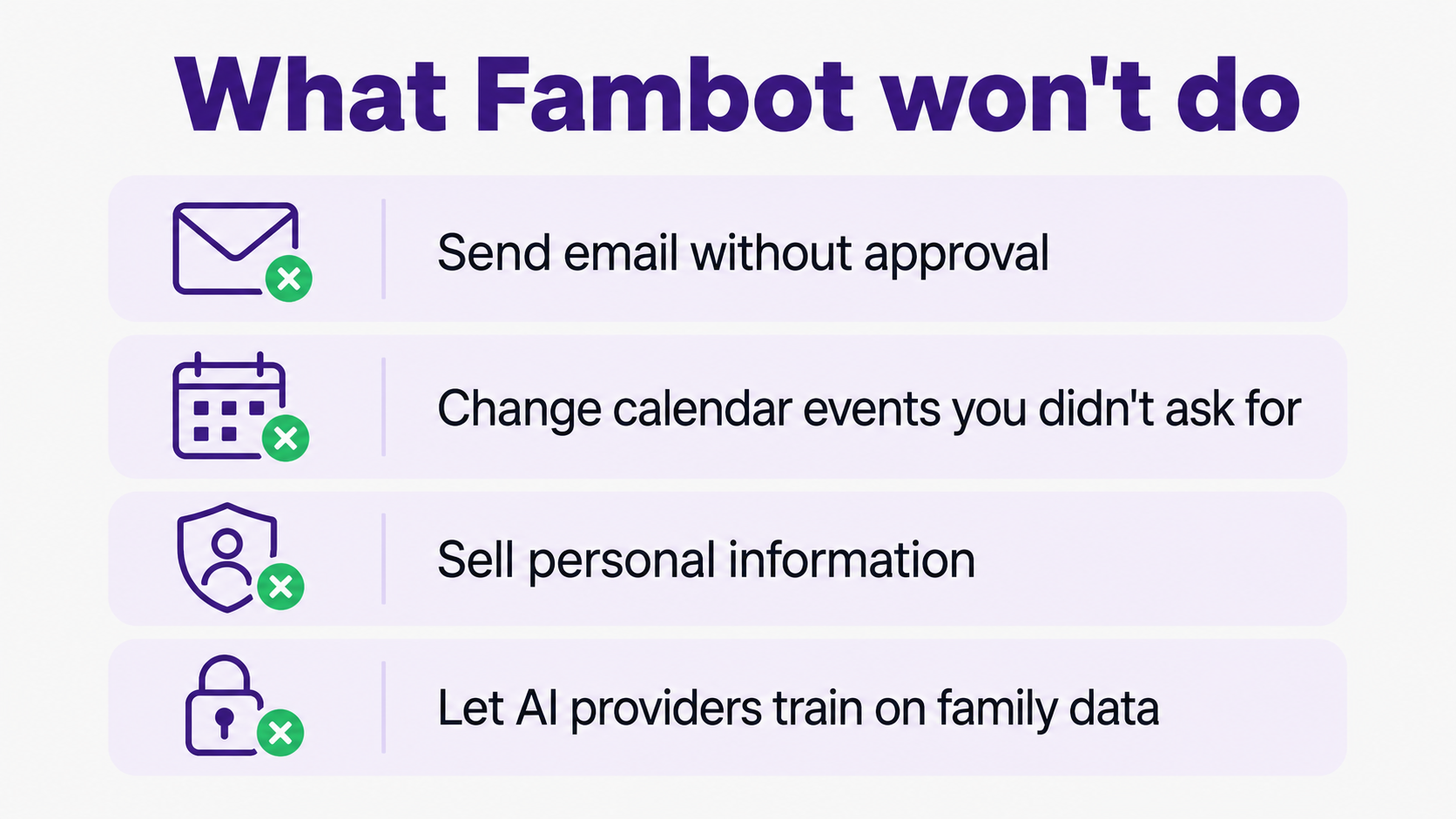
Fambot cannot act like an unchecked autopilot for family life. It will not send email on your behalf without approval, send WhatsApp messages for you, change or delete calendar events you did not ask it to touch, sell personal information, let AI providers train on family data, or share your information with other Fambot families (Fambot Trust & Safety).
That matters because the product handles real family details: school newsletters, sign-up deadlines, schedule changes, appointments, bills, calendar events, WhatsApp group updates, and the names, schools, activities, and schedules that naturally show up in family planning. Parents should treat that access as useful and sensitive at the same time.
The clean way to think about it is this: Fambot can help with the reading, finding, flagging, and planning work. Parents still decide what belongs in the family plan and what should happen next.
Can Fambot send emails or make changes without permission?
No. Fambot’s public FAQ says it does not send emails or message people for parents, and it does not edit calendars without permission. Its Trust & Safety page adds that it will not send email without explicit approval or change or delete calendar events you did not ask it to touch (Fambot FAQ).
Parents should read that as a product boundary, not a missing feature. A family assistant is helpful when it reduces the repeated work of reading updates, finding dates, spotting deadlines, and building a plan. It gets risky when it starts making family decisions before a parent has seen them.
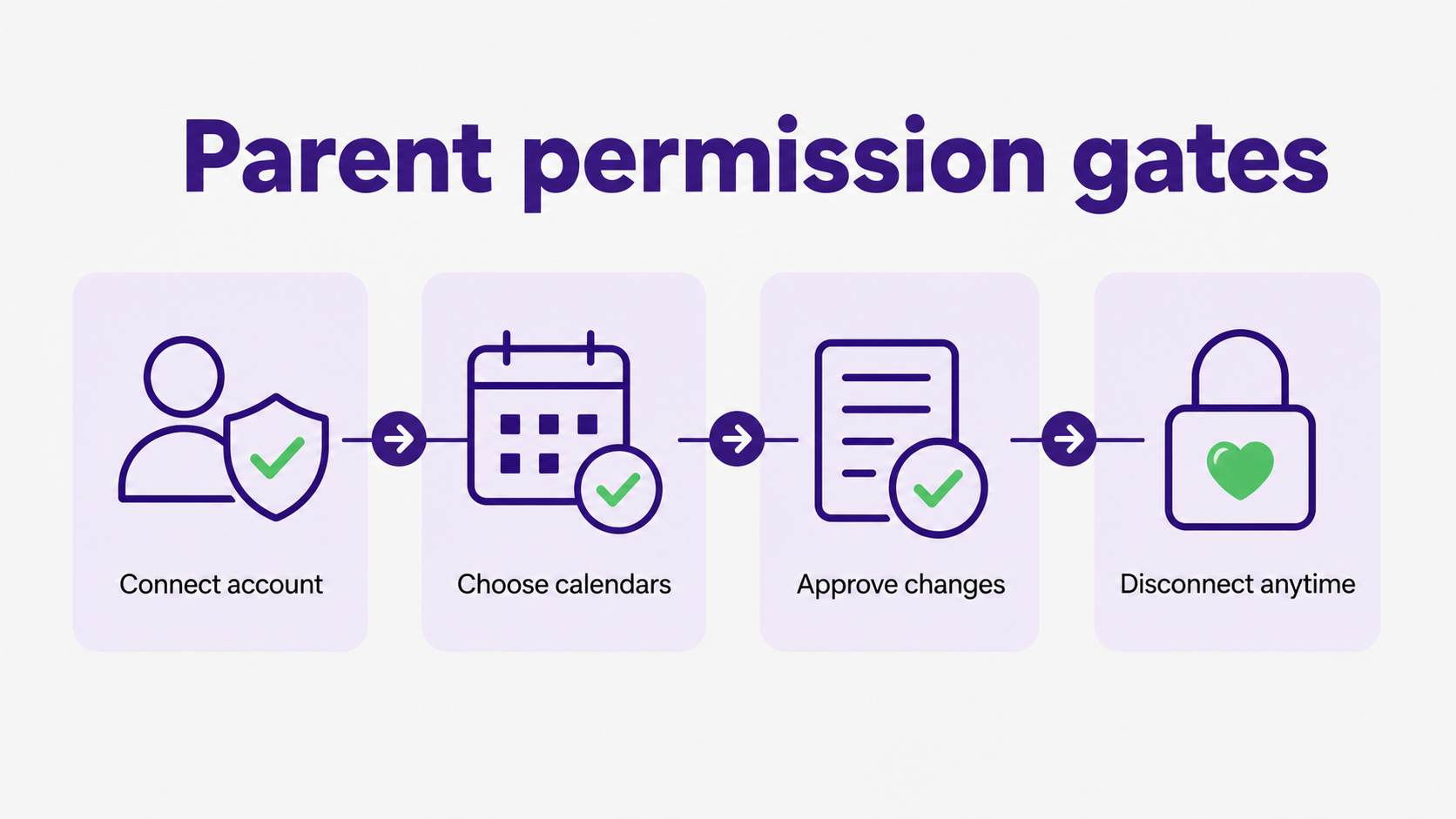
A useful permission line is: Fambot can prepare the next step; a parent approves the step that affects another person, a calendar, or a family commitment. That keeps the assistant helpful without making it feel like family life is being run by a machine in the background.
When is Fambot not the right fit for a family?
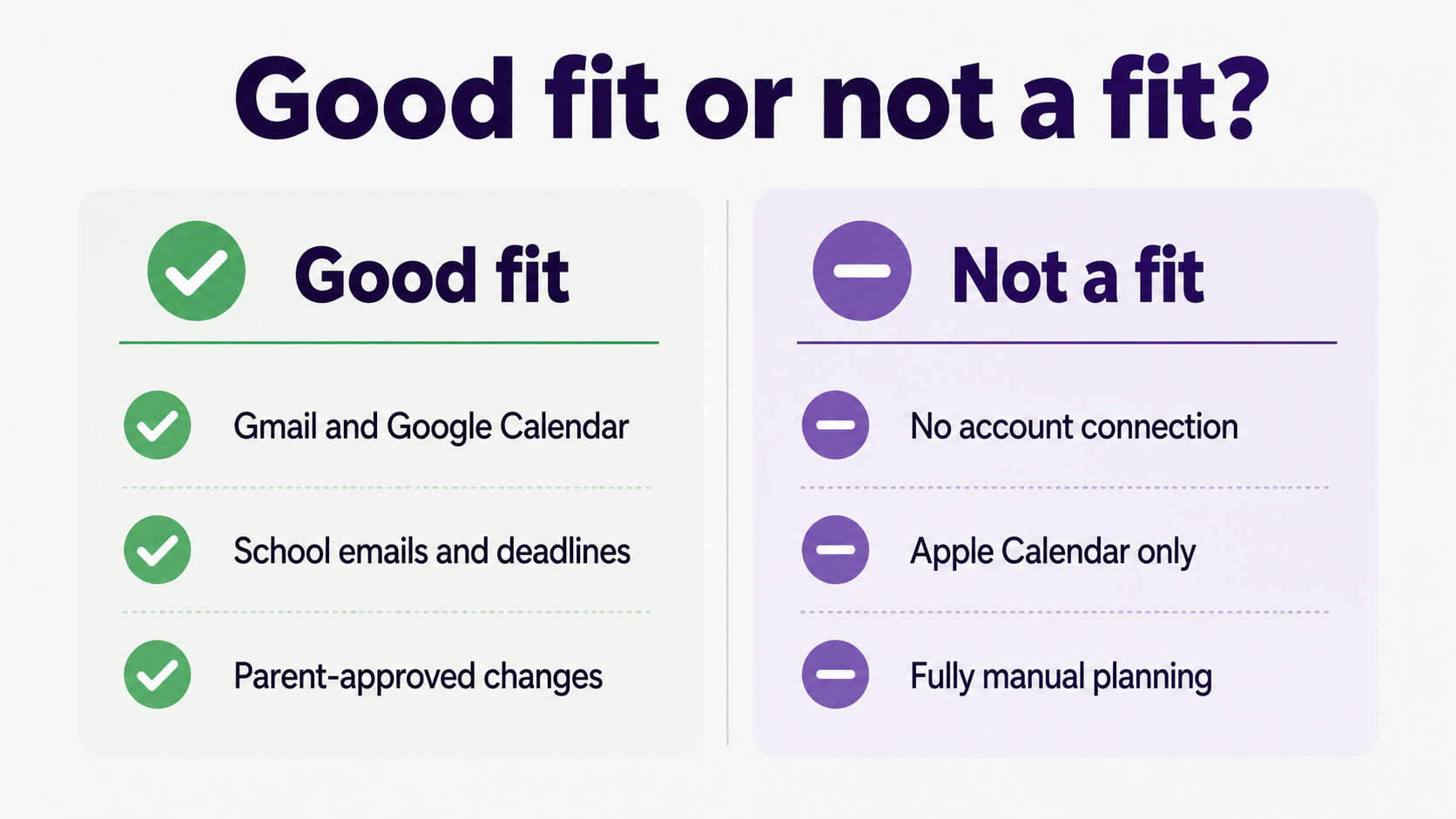
Fambot is not the right fit if your family does not want to connect a supported account, mainly uses unsupported calendars today, or prefers to keep every planning step manual. Fambot supports Gmail, Google Calendar, Outlook, Hotmail, and Apple Calendar (Fambot FAQ).
It may also be overkill for a household with very little school email, one simple calendar, and no recurring scramble around forms, schedule changes, activity updates, or “where did that email go?” moments. A shared calendar can be enough when the hard part is only remembering to look at the calendar.
Fambot is a better fit when the hard part happens before the calendar is useful: reading school emails, finding what matters, turning details into calendar events and reminders, checking what changed, and giving everyone a clear daily plan.
What should parents check before connecting an AI family assistant?
Parents should check 5 things before connecting any AI family assistant: what accounts it connects to, what data it can see, whether it can make changes, how to disconnect, and whether family data is used for AI training. Google tells users to review requested permissions and says linked apps can be removed at any time (Google Account Help).
Google also separates access levels. Some apps can view and copy data, while others may request permission to manage data, such as creating or deleting calendar events. Parents should look at the actual permission screen, not just the product promise on a marketing page (Google Account Help).
For Google Workspace API data, Google’s Limited Use requirements restrict using Google user data to the user-facing feature, prohibit advertising uses, and prohibit using that data to train generalized AI or machine learning models beyond the appropriate user-facing use case (Google Workspace User Data Policy).
How does Fambot handle children’s information?
Fambot is built for parents, with an adult account holder. Children do not create accounts, log in, or interact with Fambot. Still, family planning can include children’s names, schools, activities, and schedules, so parents should understand what they are consenting to before connecting family sources (Fambot Trust & Safety).
That parent-control framing also matches the broader children’s privacy standard in the United States. The FTC says COPPA is designed to put parents in control over information collected from children under 13 online, including notice, consent, access, deletion, and security requirements for covered services (FTC COPPA FAQ).
For a parent, the practical question is simple: “Can I explain what this assistant sees, why it needs it, and how I can turn it off?” If the answer is no, pause before connecting.
What does Fambot still help with if parents stay in control?
Fambot can still save parents real time because the work it takes on is the repetitive family admin that usually happens before a decision. It reads family-related email, finds school updates, pulls out dates and to-dos, catches schedule changes, and builds a clear daily plan parents can use (Fambot FAQ).
That help is strongest when the family already sees the messages but misses the follow-through: the permission slip nobody printed, the early dismissal hiding in a newsletter, the spirit-day note that never made it to the calendar, or the activity update that changed pickup time.
NIST describes trustworthy AI in terms like valid and reliable, safe, secure, accountable, transparent, explainable, privacy-enhanced, and fair. For parents, those words become concrete product questions: what did the assistant see, what did it do, why did it suggest that, and how can I correct it? (NIST AI Risk Management Framework).
How should parents decide whether to try Fambot now?
Try Fambot now if your school updates regularly create small scrambles and you want help turning scattered family details into a plan without forwarding, tagging, or copy/paste. Wait if connecting account access feels wrong for your family right now.
The best first test is modest. Connect the supported account, choose the calendars you are comfortable sharing, read the first few daily plans carefully, and verify the important items. If Fambot catches real school details and the permission boundaries feel clear, keep going. If the trust tradeoff feels too high, disconnect.
Quick fit matrix
Sources
- Fambot Trust & Safety - Used for Fambot’s stated data promises, vendor handling, permission boundaries, children’s information language, disconnect/delete controls, and Google API Limited Use statement.
- Fambot FAQ - Used for current public setup, integration, permission, calendar, notification, and daily-plan claims.
- Google Account Help - Used for how third-party linked app access works, permission review, access levels, and revoking Google Account access.
- Google Workspace User Data Policy - Used for Google Workspace API Limited Use requirements around user-facing use, transfers, advertising, human access, and model training limits.
- FTC COPPA FAQ - Used for the broader parent-control and children’s privacy context under COPPA.
- NIST AI Risk Management Framework - Used for trustworthy AI criteria such as reliability, security, transparency, explainability, privacy, and accountability.




