
How AI helps with permission slips and activity updates

By David Reich, Founder & CEO of Fambot
Published: July 30, 2026 · Last updated: September 3, 2026
Article Summary (TL;DR)
AI can help parents keep up with permission slips, flyers, newsletters, and activity updates by reading the details, finding deadlines, turning dates into calendar events, creating tasks, and sending reminders. The best tools do more than scan paper. They connect the school update to the family plan and still let parents review important actions.

Can AI help me keep track of permission slips and school flyers?
Yes. AI can help keep track of permission slips and school flyers when it can read the document, identify what matters, and turn the details into actions. A useful assistant should find the deadline, the date, the place, the cost, the required signature, and who needs to do what next.
This problem is common because school communication already reaches most families. In the 2018-19 school year, 89% of K-12 students had parents who reported receiving school-wide newsletters, memos, e-mails, or notices from school (American Institutes for Research).
Families are not asking schools to stop communicating. NSPRA reported that fewer than 6% of surveyed parents wanted less information from their school district, even while parents described feeling bombarded by messages (NSPRA information overload article).
That is the opening for AI. The hard part is usually not storage. It is spotting the item that matters inside a long newsletter, a photo of a flyer, a forwarded activity update, or a packet that came home in a backpack.
Is there an app that scans school flyers and tells me what to do?
There are apps that scan school flyers, and there are AI tools that can summarize or extract tasks. The better question is whether the app can connect the scanned flyer to your actual family plan. Parents need more than copied text. They need actions, reminders, calendar events, and a short answer to what needs attention.
Basic scanning already exists. Google Drive can scan documents and save them as searchable PDFs (Google Drive Help). Apple also lets iPhone users scan text and documents through the camera in Notes (Apple Support).
Calendar tools help too, but they have limits. Google Calendar can add certain Gmail events automatically, including flights, reservations, tickets, and some registrations, but Google says events from Gmail do not work for every kind of message (Google Calendar Help). School flyers often need a more family-aware layer.
For example, a flyer might say the field trip is Friday, the permission slip is due Tuesday, lunch must be packed in a disposable bag, and parent volunteers should arrive at 8:15. A scanner can capture the words. An assistant should turn that into a calendar event, a form task, a packing reminder, and a question if anything is unclear.
What can AI actually do with a permission slip, flyer, newsletter, or activity update?
AI can turn messy school communication into a short list of actions, including details from permission slips, flyers, newsletters, activity updates, and WhatsApp group updates when those sources are connected. It can extract dates, deadlines, locations, costs, forms, supply requests, sign-up links, and schedule changes. The useful version tells parents what to know, what to do, and what to decide.
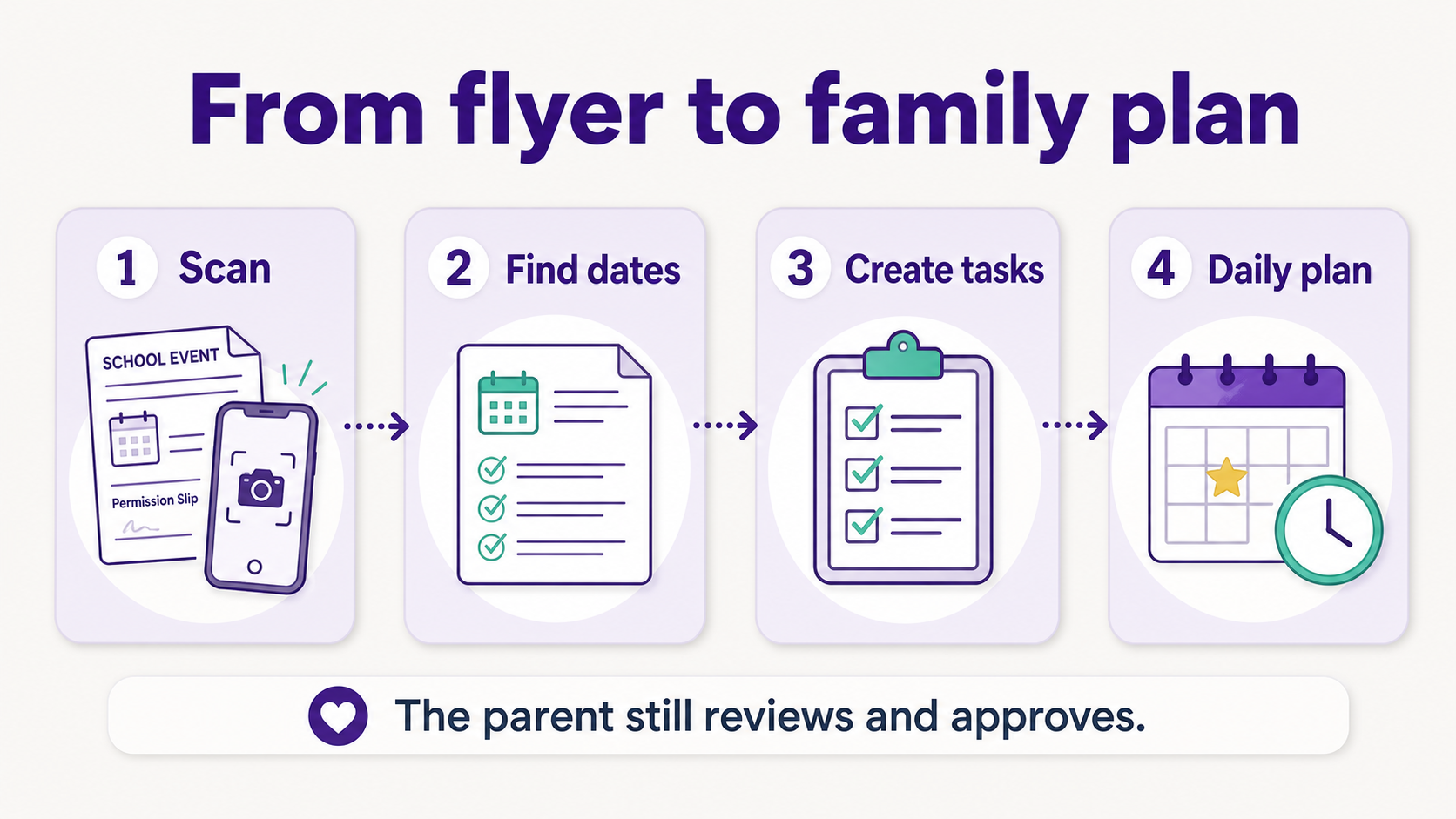
Structured view: what AI should pull from school communications
What should parents still review themselves?
Parents should still review anything that involves consent, payment, medical details, transportation, or a change to the family schedule. AI is useful for finding and organizing details, but a parent should confirm the final action before a form is submitted, a child is signed up, or money changes hands.
The safest pattern is simple: AI reads and prepares, parents approve. In a shared family account, the right parent or caregiver should be able to review the action before a form is submitted, a payment is made, a pickup changes, or a calendar update goes live.
A good tool should also show where the detail came from. If it says the permission slip is due Tuesday, parents should be able to open the original flyer, email, or photo and check the line that supported the reminder.
How is Fambot different from scanning a flyer into Notes, Drive, or a calendar app?
Fambot is built to do more than store a scanned flyer. Parents connect supported family sources once, then Fambot reads family-related updates, finds what matters, turns details into events, to-dos, reminders, and follow-up questions, and sends a clear daily plan with what parents need to know, do, and decide.
That matters because school communications rarely arrive as one clean calendar invite. They arrive as newsletters, teacher notes, PDFs, links, sports schedules, chat threads, activity updates, form reminders, packing instructions, and one-off requests.
School communication overload is partly a channel problem. In one NSPRA article, Susan Downing described families as overwhelmed by messages coming from too many platforms (NSPRA information overload article).
Recent district data shows why channel-aware tools matter. In Fairfax County Public Schools, 83% of surveyed families preferred email, 50% selected TalkingPoints, 33% selected text messaging, and 29% selected digital newsletters as preferred ways to receive information (Fairfax County Public Schools).
Fambot is designed for that scattered reality. It helps with the work that usually happens before a family calendar becomes useful: reading, sorting, copy/paste, remembering, asking follow-up questions, and turning the right school details into a plan.
What is the safest way to use AI for school communications?
Use AI as a reading and planning assistant, not as an unchecked decision-maker. The safest setup gives parents control over connected accounts, keeps source documents easy to inspect, asks for approval before sensitive actions, and avoids sending personal school or child details into tools that are unclear about privacy.
Parents should also be cautious with generic chatbots. If a flyer includes a child name, medical note, school login, payment link, or teacher contact information, use a tool designed for family data rather than pasting the whole document into an unknown chat window.
The practical test: can you disconnect it, delete your data, see the source, and control what it does? If those answers are fuzzy, slow down.
What should I look for in an AI app for school flyers and activity updates?
Look for an app that can handle both capture and follow-through. It should scan or read the flyer, understand school and activity context, create tasks and calendar events, send reminders, flag uncertainty, and let parents review or approve updates from the iOS or Android app.
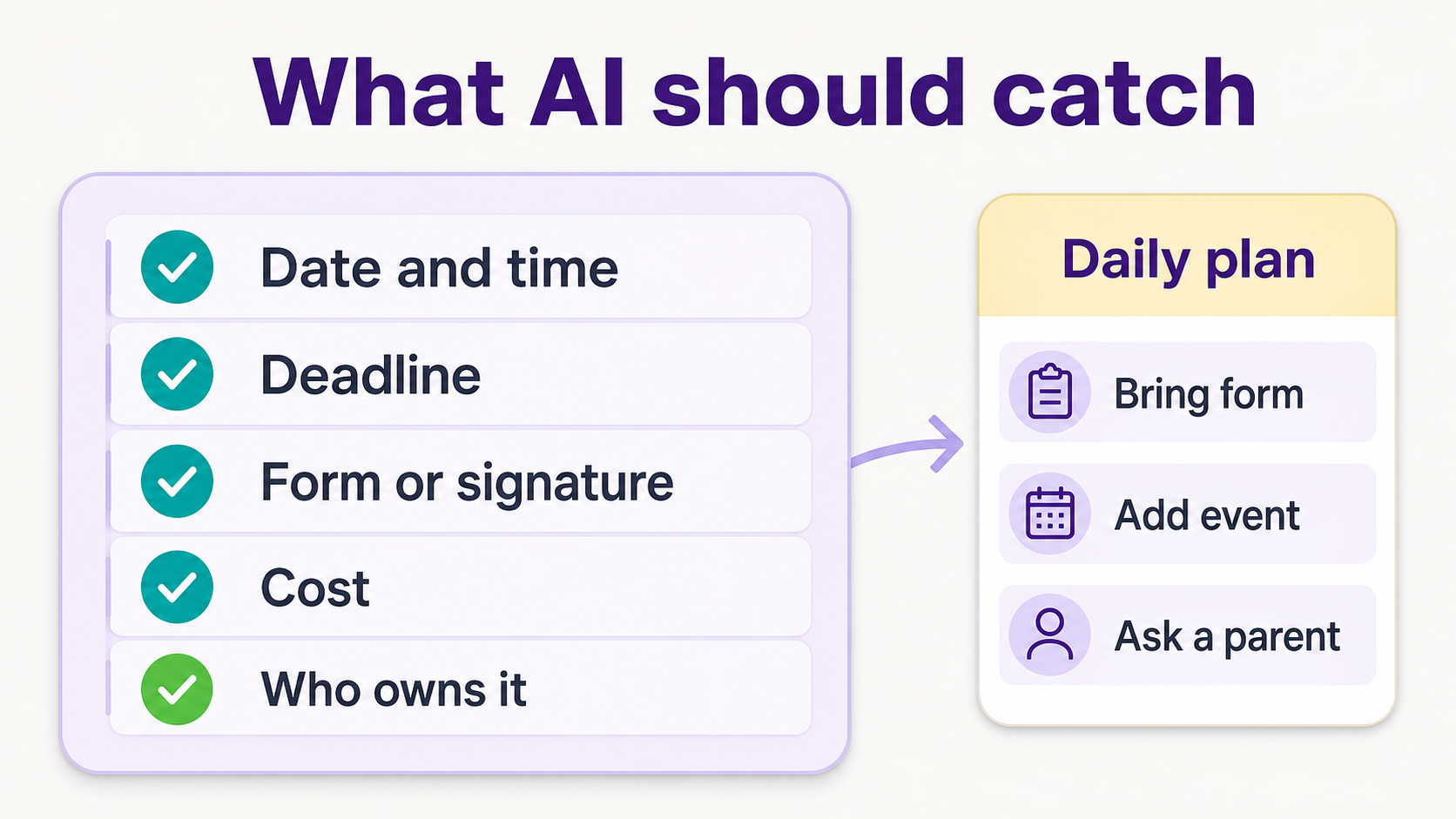
The strongest tools share a few traits:
- They can read more than one source: email, calendars, PDFs, links, photos, flyers, and activity updates.
- They know the difference between a general announcement and something that affects your family.
- They turn details into useful actions: calendar events, to-dos, reminders, and questions.
- They keep the original source close so parents can verify important details.
- They send a short daily plan instead of forcing families to manage another dashboard.
The bottom line
AI can help with permission slips, school flyers, newsletters, and activity updates when it does the boring middle work: read the update, find the action, connect it to the family schedule, and remind parents before the deadline. Scanning is useful. A clear daily plan is better.
For families, the win is not another folder full of searchable PDFs. It is fewer missed forms, fewer last-minute scrambles, and a better answer to the daily question: “what needs to happen next?”




