
Is Fambot free in 2026? Pricing and beta access
By David Reich, Founder & CEO of Fambot
Published: August 6, 2026 · Last updated: September 3, 2026
Article Summary (TL;DR)
Fambot is free while it is in beta, and parents do not need a credit card to start. Today, families can use Fambot from the iOS or Android app, create or join a shared family account, connect Gmail, Outlook, Apple Calendar, Google Calendar, and WhatsApp, and get a clear daily plan from the details Fambot finds.
Is Fambot free to use right now?
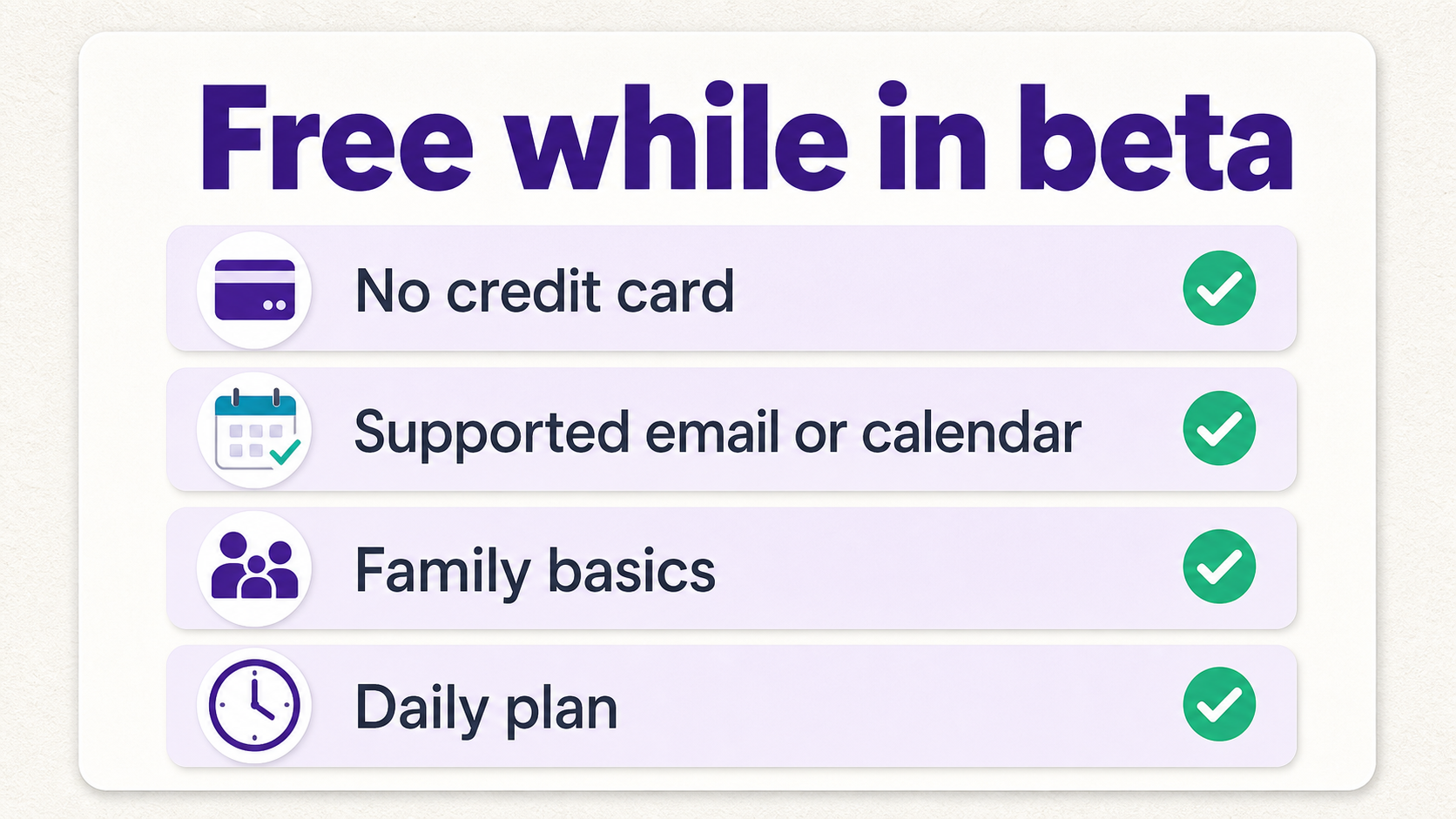
Yes. Fambot is free to use right now while it is in beta. Parents can sign up without a credit card, connect a supported email or calendar account, add family basics, and start getting a clear daily plan built from the family details Fambot finds. Fambot plans to offer both a free tier and a paid tier later, with the free tier still available after beta (Fambot).
How much does Fambot cost?
Fambot currently costs $0 during beta. The paid plan has not been published yet, so parents should treat today's price as beta pricing rather than a permanent subscription price. The important thing for now is simple: no credit card is needed to start.
That last point matters. A family calendar can be free, but a free calendar still waits for a parent to read the email, notice the deadline, and add the event. Fambot is built to do more of the work before the calendar becomes useful.
What do parents need to set up Fambot?
Parents need the iOS or Android app, a supported account, and a few basic family details. They can also create or join a shared family account so the right parents and caregivers can see the same plan.
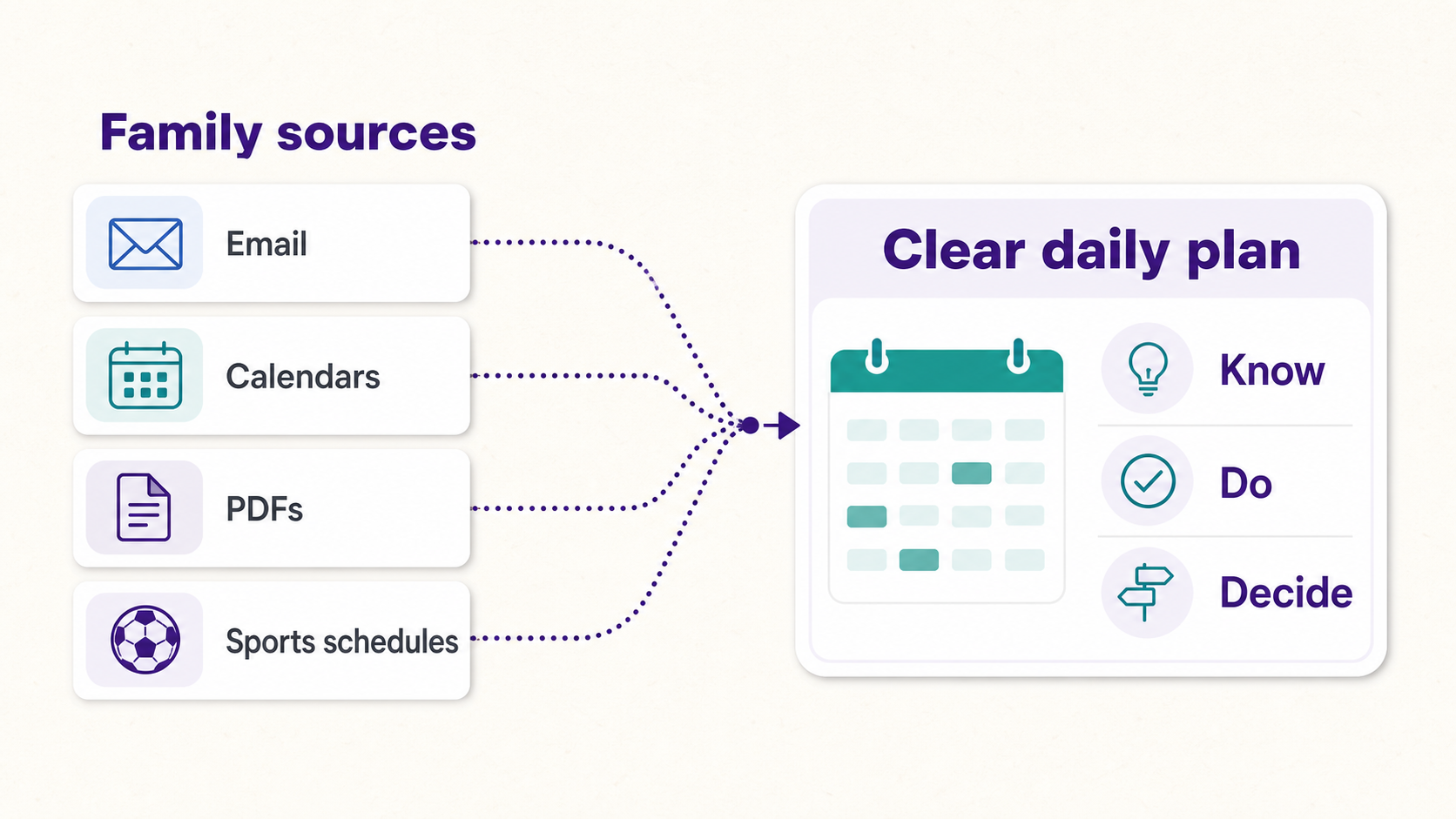
Setup is meant to be low-input. Parents connect once, share the basics, invite the household if needed, and let Fambot start finding the family details that usually sit inside school emails, newsletters, calendar updates, PDFs, sports schedules, forms, and one-off reminders. Here is what you need to set up:
- The Fambot app on iOS or Android
- A supported account or source
- Family basics, such as child names, schools, activities, and routines
- A shared family account when multiple adults need the plan
- No credit card during beta
- No forwarding, tagging, or manual inbox sorting just to get started
What email and calendar accounts does Fambot support today?
Fambot now supports Gmail, Outlook, Apple Calendar, Google Calendar, and WhatsApp. Families do not need every possible connection enabled. Start with the source where the most important family details already arrive.
This update matters for families whose school communications land in Microsoft accounts rather than Gmail. Microsoft support documentation treats Outlook.com, Hotmail, and Live accounts as related sign-in options when adding email to another app, and notes that mail, contacts, calendars, and reminders can be enabled during account setup (Microsoft Support).
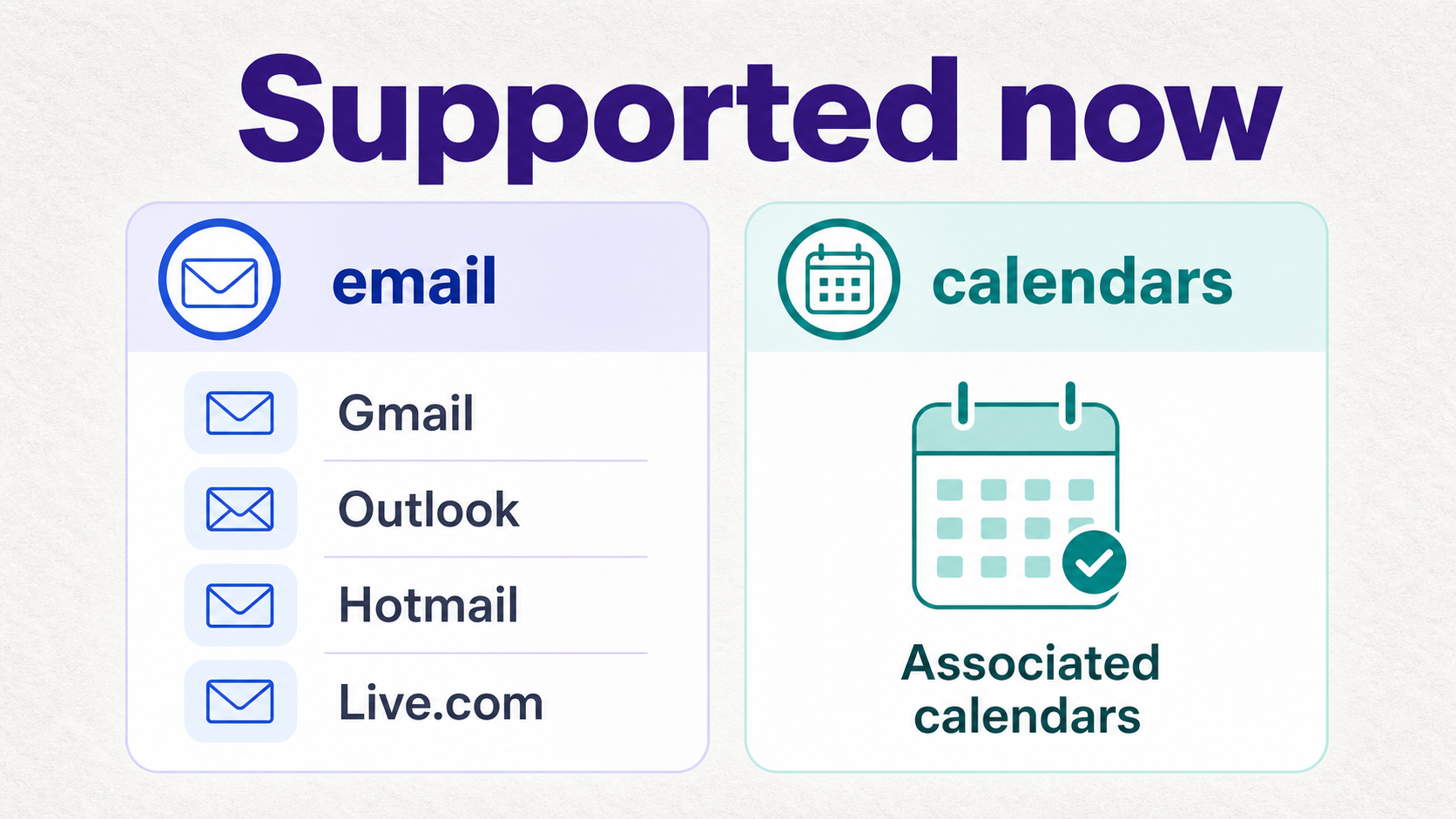
The practical rule is simple: connect the account where the family details already live. If the school sends updates to Gmail, use Gmail. If the family runs through Outlook, Hotmail, or live.com, Fambot's expanded support means those accounts and their associated calendars now belong in the setup path too.
What do parents get from Fambot today?
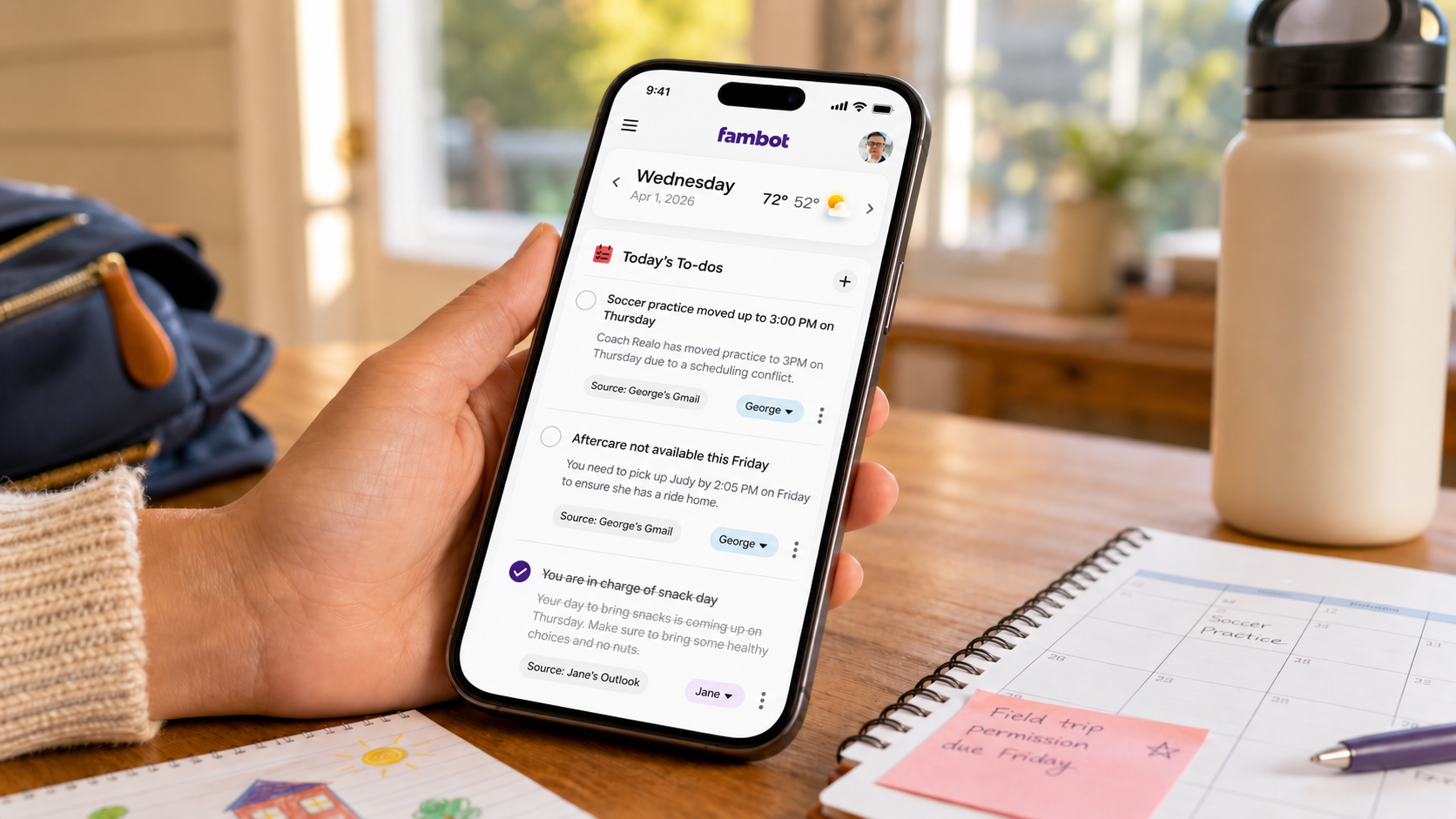
Parents get a proactive AI chief of staff for family life. Fambot works with Gmail, Outlook, Apple Calendar, Google Calendar, and WhatsApp, finds the details that matter, turns them into calendar events, to-dos, reminders, and follow-up questions, then sends a daily digest text message with what parents need to know, do, and decide.
That includes the work parents usually do before a calendar is helpful: reading the school newsletter, spotting the field-trip deadline, remembering the packing note, finding the changed practice time, and copy/pasting the details into a calendar or task list.
Fambot also works as a chat surface. Parents can ask follow-up questions by text, email, or in-app chat and get answers from the family information Fambot has already seen. A useful question might be, "What time is pickup?" or "Did anyone sign the permission slip?"
How does Fambot's free beta compare with free family calendar apps?
Free calendar apps are useful when the family already knows what to enter. Fambot is different because it is designed to find family details first. That is the gap parents feel every week: the calendar is empty until someone reads the messages and turns them into events, tasks, and reminders.
For a pricing benchmark, Cozi lists a free plan, Cozi Gold at $39/year, and Cozi Max at $79/year. Cozi Max includes AI Event Import, AI Recipe Creator, and AI Meal Planner (Cozi). That does not make one product automatically better. It shows why parents should compare the job each tool does, not just the monthly price.
Will Fambot stay free after beta?
Fambot will offer a free tier and a paid tier later. The exact paid pricing has not been published yet. Parents using beta today can judge the product while it is free, then decide later whether the paid tier is worth it for their family.
The best way to think about future pricing is value per avoided scramble. If Fambot catches the permission slip, the changed practice time, the spirit-day reminder, or the camp packing note before it becomes a problem, the product has done the job it was built to do.
Is beta access worth connecting email and calendars?
Beta access is worth considering if the family's real problem is missed details, not a lack of calendar boxes. Fambot asks for email and calendar access because school updates, forms, schedule changes, and reminders usually arrive there first.
Connected-account access should come with control. Google says linked apps can request access to Gmail and Calendar data, and users can review or remove linked-app access at any time (Google Account Help). Fambot's Trust & Safety page says Fambot uses OAuth, encrypts data in transit and at rest, does not sell personal information, and does not let AI providers train on user data (Fambot Trust & Safety).
For parents, the decision is less about whether AI can make a calendar prettier. The useful question is whether Fambot can take on the reading, remembering, and copy/paste that happens before the family plan comes together.
Fambot pricing FAQ
Do I need a credit card to try Fambot?
No. Fambot does not require a credit card during beta.
Are shared family accounts included during beta?
Yes. Shared family accounts are part of the current Fambot setup during beta, so parents and caregivers can work from the same household plan. Future paid-plan details have not been published yet.
Can I use Fambot if my family uses Outlook, Hotmail, or live.com?
Yes. Fambot supports Outlook accounts, including Hotmail and Live.com, alongside Gmail, Apple Calendar, Google Calendar, and WhatsApp.
Do I have to forward every school email?
No. Fambot is designed around supported email and calendar access, so parents do not have to forward every message, tag the inbox, or copy/paste details by hand.
What is included in beta access?
Beta access includes the core Fambot experience available today: Gmail, Outlook, Apple Calendar, Google Calendar, and WhatsApp connections, family context, shared family accounts, a clear daily plan, calendar events, to-dos, reminders, and follow-up chat.
When will paid pricing be announced?
Fambot has not published exact paid pricing yet. The current public guidance is that Fambot is free while in beta and will offer both a free tier and a paid tier later.
Sources
- Fambot - Used for current beta pricing, no-credit-card language, product description, setup flow, and future free-tier guidance.
- Fambot Trust & Safety - Used for Fambot privacy, OAuth, encryption, data-sale, deletion, and AI-training claims.
- Google Account Help - Used for third-party app access, Gmail/Calendar authorization, and removal-control context.
- Microsoft Support - Used for Outlook, Hotmail, live.com, and associated calendar setup context.
- Cozi - Used for current family-organizer pricing benchmarks and AI-feature comparison context.




