
Is Fambot right for families using Google Calendar?

By David Reich, Founder & CEO of Fambot
Published: August 13, 2026 · Last updated: September 3, 2026
Article Summary (TL;DR)
Fambot is worth trying if Google Calendar holds your family schedule, but parents still read school emails, copy/paste dates, make to-dos, and remind people what happens next. Google Calendar is the destination for events. Fambot is the proactive AI chief of staff that helps find school details and turn them into a clear daily plan.
Do I need Fambot if I already use Google Calendar?
You probably need Fambot if Google Calendar is working, but getting information into it still depends on a parent reading, interpreting, and entering everything. Google Calendar stores the shared schedule. Fambot helps turn school emails, newsletters, calendar updates, and family context into events, tasks, reminders, and daily decisions.
Google Calendar already handles shared family scheduling well. Google's family calendar help says family members can make changes to shared events, manage sharing, and create events on the family calendar (Google Calendar Help). For many families, that should remain the home base.
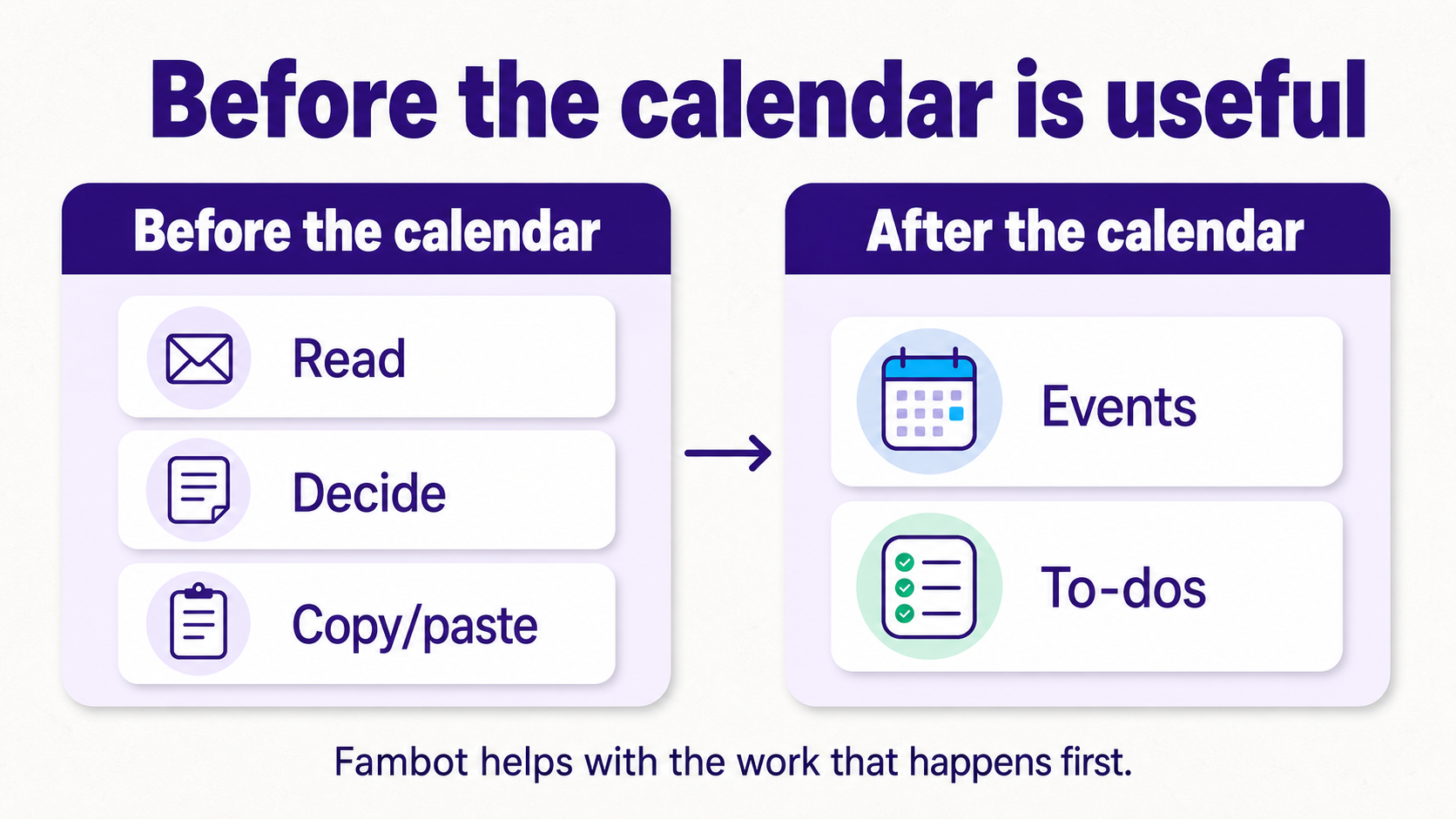
The friction happens before the event exists. A school email mentions early dismissal. A coach moves practice. A teacher note includes a form deadline. Someone still has to notice the detail, decide whether it matters, add it, make the related task, and remind the right person.
Fambot is built for that work. Setup now starts by connecting Gmail, Outlook, Apple Calendar, Google Calendar, and WhatsApp plus a few family details, then Fambot starts building the Daily Digest and decoding the updates that matter (Fambot FAQ).
What does Fambot add that Google Calendar does not?
Fambot adds the work around the calendar: reading family-related updates, finding school details, turning them into events and to-dos, flagging what needs a decision, and keeping parents and caregivers aligned through a shared family account.
A shared calendar answers, "What is already scheduled?" Fambot answers the earlier question: "What did we receive that should become part of the plan?"
That matters most for families that already look organized from the outside. The calendar may be color-coded and shared. The real work still happens in Gmail, school portals, activity emails, PDF schedules, sign-up links, and group messages.
Fambot should not replace Google Calendar for a family that already uses it. The stronger setup is Google Calendar plus a proactive assistant that helps keep the calendar current.
Can an AI assistant add school events to my family calendar automatically?
Yes, the right AI assistant can help turn school emails, newsletters, flyers, PDFs, and updates into family calendar items. The difference is scope. Basic email-to-calendar tools usually handle predictable confirmations. A family-specific assistant also decides whether the detail matters for your child, school, routine, and caregivers.
Google Calendar has events from Gmail, but Google lists the main covered categories as flights, transportation reservations, hotel and restaurant reservations, registrations, tickets, shows, and medical events. Its help page also lists limits for mailing lists, cc'd emails, redirected emails, and unsupported confirmation types (Google Calendar Help).
School life is messier than a reservation confirmation. The email might say "bring a towel Thursday," "signup closes tonight," or "the game moved to Field 3." A useful family assistant has to parse dates, meaning, relevance, ownership, and follow-up.
Fambot reads school updates, newsletters, and calendar changes, surfaces what matters, catches schedule changes, and can help keep the calendar in sync with permission (Fambot FAQ). Parents can review and approve the plan from the iOS or Android app. Fambot uses OAuth, encrypts data in transit and at rest, does not sell personal information, and does not let AI providers train on user data (Fambot Trust and Safety).
Should I use Google Calendar, Cozi, Skylight, or Fambot?
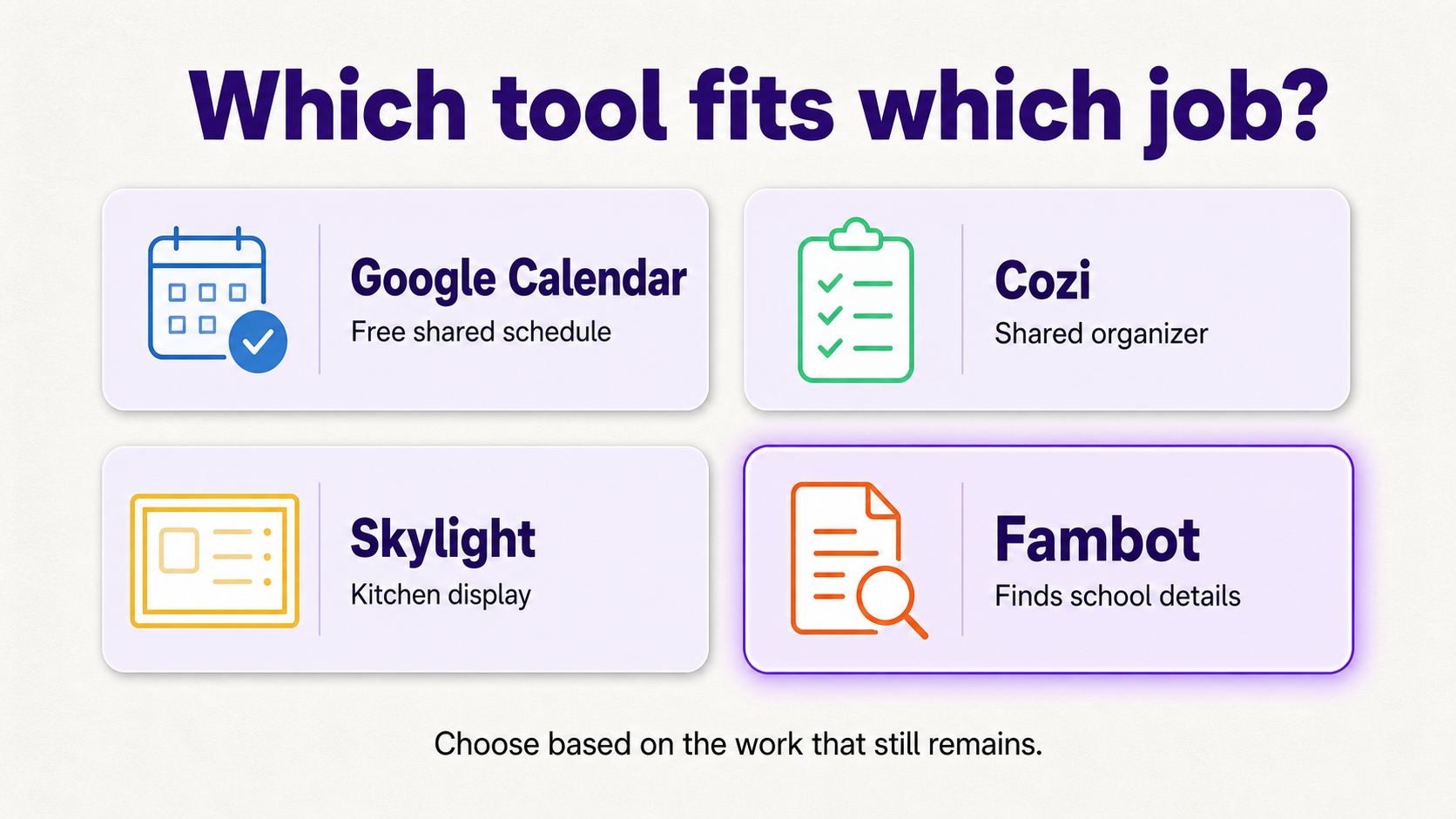
Use Google Calendar if you need a free shared schedule. Use Cozi if you want a family organizer with shared lists. Use Skylight if a wall display would help everyone see the plan. Use Fambot if the hard part is finding school details and turning them into actions before anyone enters them.
Cozi is a strong manual organizer. Its press kit says Cozi has more than 20 million registered users and offers a color-coded family calendar, reminders, shopping lists, to-do lists, recipes, and meals (Cozi Press Kit).
Skylight is strong when visibility is the problem. Its support docs say Skylight can sync with Google Calendar, Apple iCloud, Microsoft Outlook, Cozi, and Yahoo Calendar; its Magic Import docs say Calendar Plus can import events from emails, PDFs, images, spreadsheets, screenshots, and photos (Skylight Support). Google Play currently lists the Skylight app at 1M+ downloads and about 27.3K reviews (Google Play).
What's the best app for managing school emails and family schedules?
The best app depends on which step is breaking. Calendar-only tools solve storage and visibility. Family organizers solve shared access and lists. Fambot helps with the repeated work of turning messy family communication into events, tasks, reminders, and next steps.
Google's May 2026 Workspace update says more than 4 billion users rely on Workspace apps like Gmail, Docs, and Drive, which explains why many families want smarter help inside tools they already use (Google Workspace Blog). But a smarter calendar still needs the right family details first.
Use this practical test: does the tool find the important family details on its own, or does a parent still have to do the reading first? If the problem is display, choose a display. If the problem is manual entry, choose an assistant that reads, finds, flags, adds, reminds, and answers.
How should a Google Calendar family decide whether to try Fambot?
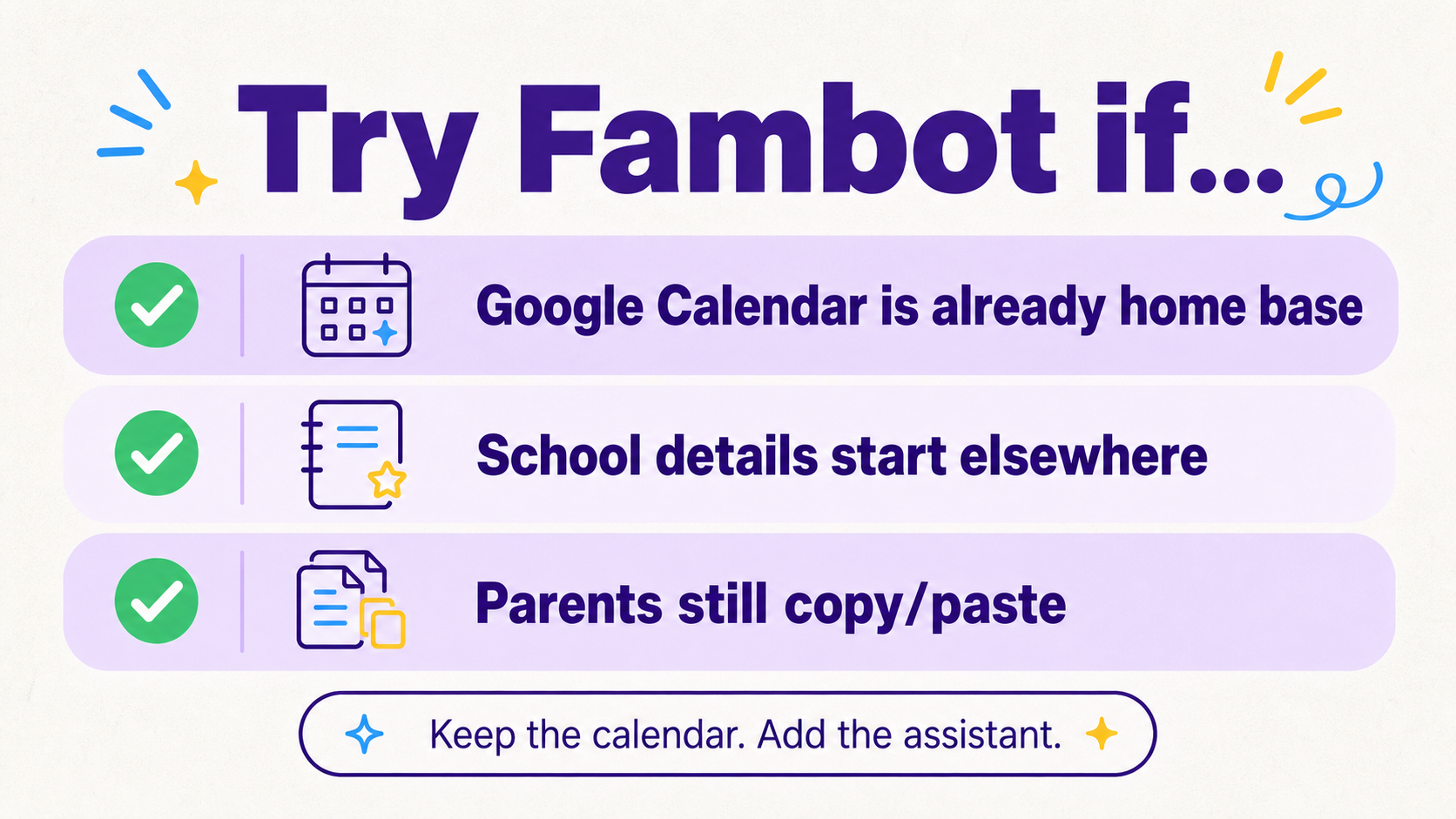
Try Fambot if your family already has a shared calendar, but calendar maintenance still feels like a second job. Keep Google Calendar if the plan is already complete. Add Fambot when too many important details start in school emails, activity updates, PDFs, and reminders that someone has to process manually.
A simple decision checklist:
- You already use Google Calendar every day.
- School emails, sports schedules, flyers, and sign-ups are where important updates start.
- Parents still copy/paste details into the calendar or a list.
- Multiple caregivers need one shared family account so everyone sees the same plan.
- Someone still sends the reminder text after the calendar reminder fires.
- You want a clear daily plan with what the family needs to know, do, and decide.
- You want help that works with the existing calendar instead of replacing it.
If most of that sounds familiar, Fambot is probably worth trying alongside Google Calendar. The cleanest setup is not a calendar replacement. It is Google Calendar plus a proactive AI chief of staff that helps keep the plan current.
Sources
- Google Calendar Help - Used for Google family calendar sharing, editing, and event creation behavior.
- Google Calendar Help - Used for Google Calendar's events-from-Gmail categories and limits.
- Google Workspace Blog - Used for the 2026 Workspace user-scale statistic and current AI direction.
- Cozi Press Kit - Used for Cozi's registered-user count and family organizer feature positioning.
- Skylight Support - Used for Skylight Calendar sync, Magic Import, and event-import feature details.
- Google Play - Used for current Skylight app downloads, review count, and app feature listing.
- Fambot FAQ - Used for Fambot setup, Gmail and Google Calendar integrations, Daily Digest, school newsletter decoding, and permission-based calendar sync claims.
- Fambot Trust and Safety - Used for privacy, OAuth, encryption, data-use, AI-provider, and permission claims.




