
Shared family inbox vs Fambot in 2026

By David Reich, Founder & CEO of Fambot
Published: August 31, 2026 · Last updated: September 3, 2026
Article Summary (TL;DR)
A shared family inbox can give caregivers one place to see school emails, but it still depends on someone reading every message, spotting the action, copying details, and remembering follow-through. Fambot is built for the next step: it reads family-related sources, finds what matters, creates tasks and calendar details, and sends parents a clear daily plan.
What is a shared family inbox?
A shared family inbox is an email address, alias, forwarding setup, or delegated mailbox that lets more than one caregiver see the same messages. It can reduce the 'did you get that email?' scramble, but it usually stops at access. A parent still has to turn each message into action.
Families usually build this setup in a few ways. Gmail can forward all new messages, or only messages that match a filter, to another address (Gmail Help). Google Groups can act as a Collaborative Inbox where members assign, search, and mark conversations complete (Google Workspace Learning Center). Microsoft says shared mailboxes let a group monitor and send from one common address, with permissions such as Full Access and Send As (Microsoft Learn).
Those tools can be useful. They gather messages in one place and make it easier for more than one person to see the same thread. The harder family question comes after that: who reads the note, notices the action, adds the date, and remembers to follow up?
Should our family use a shared inbox for school emails?
A shared inbox is worth considering if caregivers miss different messages and the family needs one reliable place to check. It works best when someone has agreed to read it often, decide what matters, and move the details into the calendar, reminder list, or handoff plan.
School communication is common enough that the setup matters. NCES reported that school-wide newsletters, memos, emails, or notices reached 90% of K-12 students' households in the 2022-23 school year. Emails or notes about the individual student reached 66%, and phone calls reached 41% (NCES).
The catch is simple. A shared inbox does not know that the art-show email matters because your child has a piece in it, or that a sports schedule change matters because it conflicts with a dentist appointment. It holds the message until a person notices it.
For lighter school traffic, that may be enough. For families with multiple caregivers, school updates, activities, group texts, PDFs, and last-minute changes, one more shared place to check can quietly become another family job.
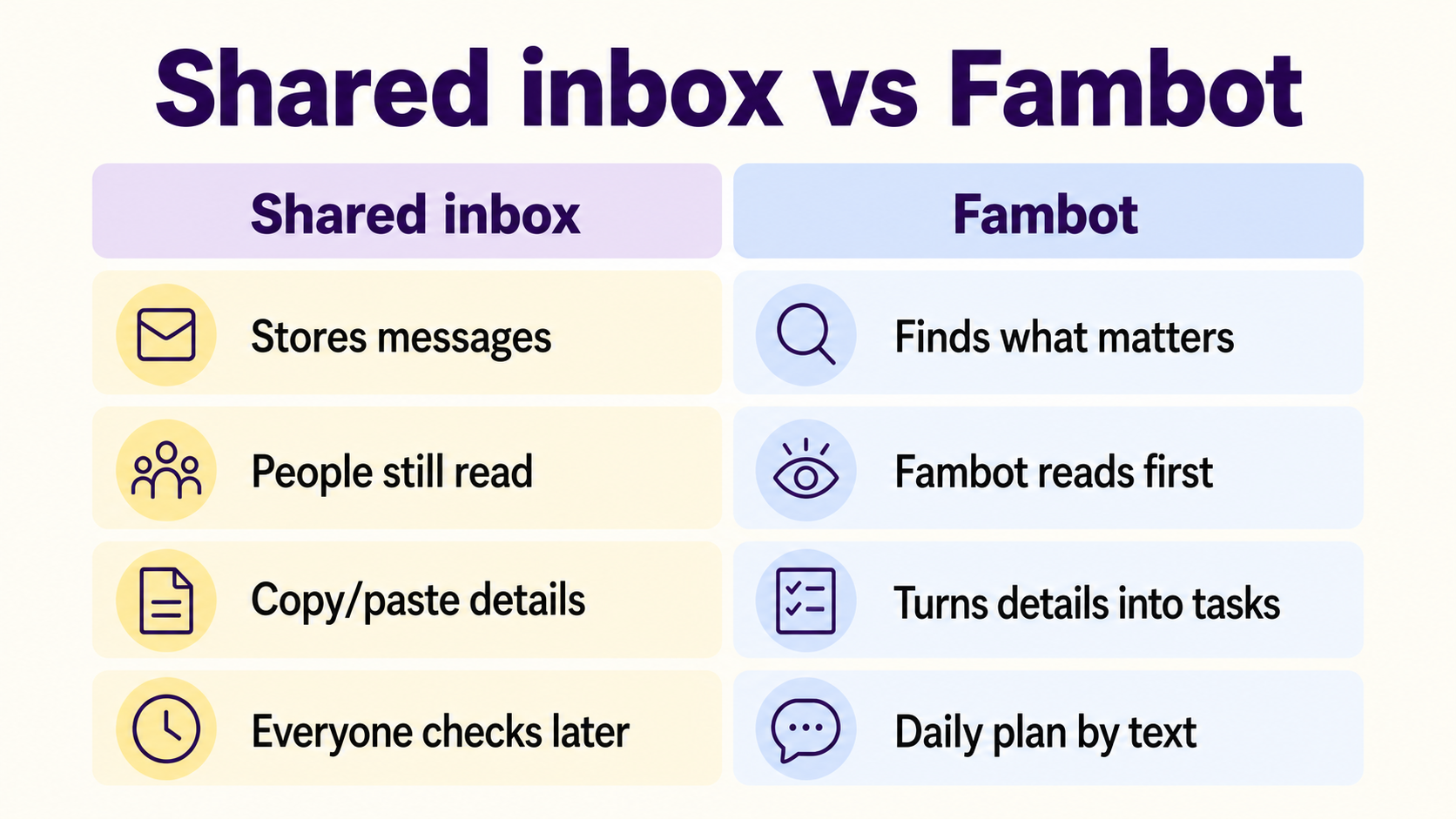
What is better than forwarding school emails to a shared inbox?
A better setup gives the family a shared plan, not just a shared pile of messages. Forwarding moves an email; it does not decide whether the field-trip form is due, whether practice moved, or whether snack duty belongs on tomorrow’s plan. Fambot’s shared family accounts are built for that next layer: everyone can work from the same interpreted plan.
Use this quick test:
- If the question is 'can everyone see the email?' a shared inbox can help.
- If the question is 'what changed, what is due, who needs to act, and what should go on the calendar?' Fambot is the better fit.
- If the question is 'can we stop forwarding every school note by hand?' the answer is usually a proactive assistant, not another mailbox rule.
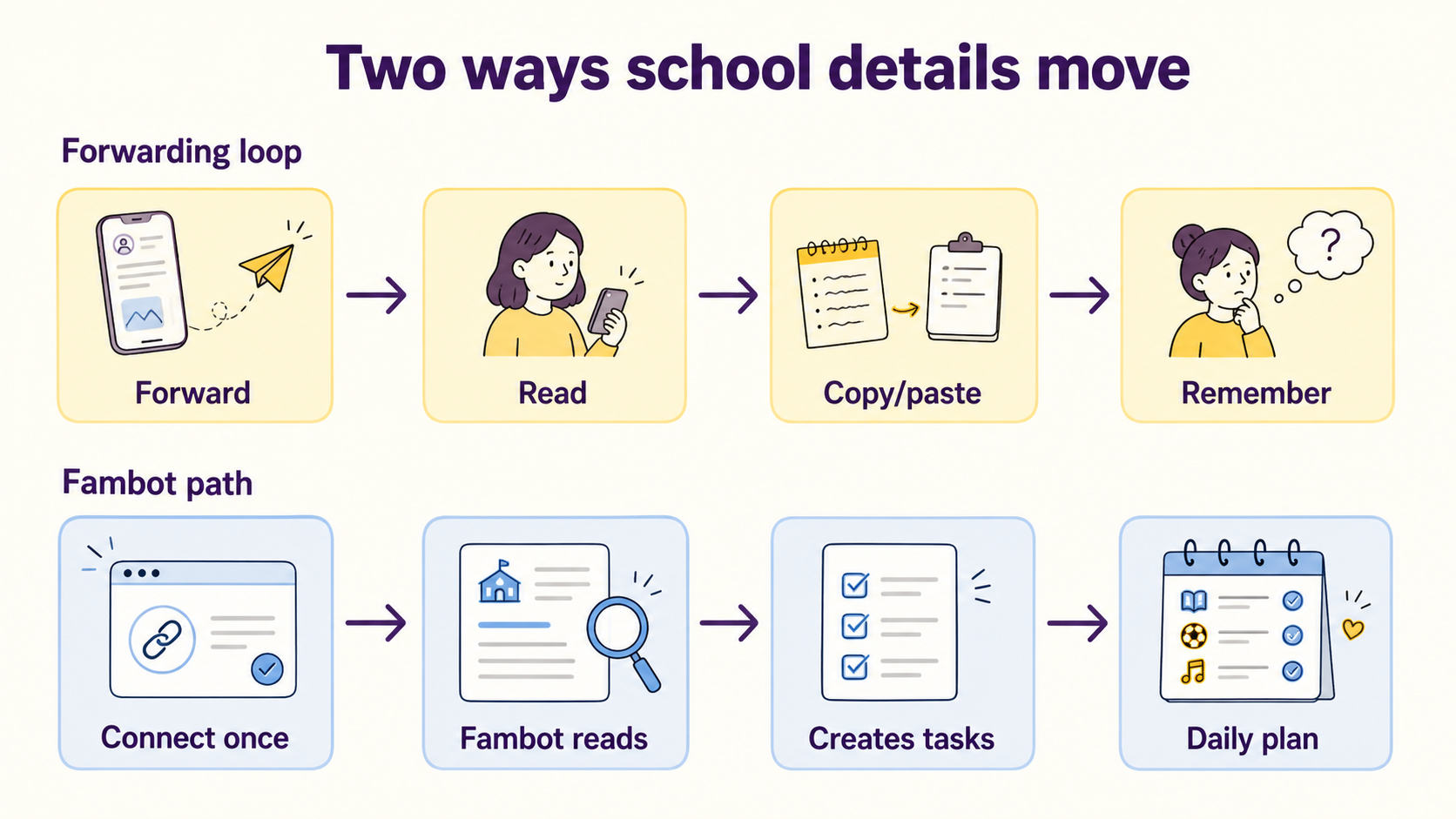
How can co-parents manage school emails together?
Co-parents and multi-caregiver households can manage school updates better when they share the plan, not just the inbox. A shared inbox can make messages available to everyone, but the family still needs a rule for who reads, who adds the calendar event, who replies, and who checks that the task happened.
The goal is clarity, not blame. One caregiver should not have to become the private search engine for the whole family, and another caregiver should not have to guess which messages matter. Better coordination makes the work easier to see, share, and finish.
Shared calendars help with the schedule once the event is known. Google says family calendar members can make changes to events and manage sharing settings (Google For Families). But a calendar is only accurate when someone has already added the event and the useful details around it.
Fambot fits the step before the calendar. It can read connected Gmail, Outlook, Apple Calendar, Google Calendar, and WhatsApp sources, find details that matter to this family, and turn them into a clear daily plan. Shared family accounts make handoffs easier because everyone is working from the same plan, not from whoever happened to read the email first.
Is there a family assistant that works in the background instead of making me forward emails?
Yes. Fambot is a proactive AI chief of staff for families, built to work from connected family sources instead of waiting for parents to forward every school email or copy details out of WhatsApp. Parents connect Gmail, Outlook, Apple Calendar, Google Calendar, and WhatsApp, add family context, and Fambot turns useful information into tasks, reminders, calendar events, and a daily plan.
This is the part parents feel right away. A shared inbox says, 'the email is here.' Fambot helps answer, 'picture day is Thursday, the form is due tomorrow, Alex needs a white shirt, and this should go on the calendar.' That feels like support instead of another folder to maintain.
Delegated email access can also let another person read, send, and delete messages in a Gmail account, and personal Gmail accounts can add up to 10 delegates (Gmail Help: delegation). That can solve access. It does not solve the family planning work that happens after access.
What tool can help coordinate my family's schedule without tons of manual entry?
The right tool catches family details close to where they already arrive and turns them into something useful. A shared inbox helps with access. Fambot helps with follow-through: it finds dates, creates tasks and reminders, flags decisions, and sends a clear daily plan by text.
That matters in normal family moments. A teacher sends an early dismissal note. A coach moves practice. A camp PDF includes a packing list and medication form. A WhatsApp group confirms a last-minute pickup change. Parents should not have to read, copy, retype, and remember all of that before the family plan becomes useful.
Fambot is built around the work parents already do in small pieces all day: reading school updates, noticing what changed, making the calendar useful, creating reminders, and answering questions when someone is halfway out the door.
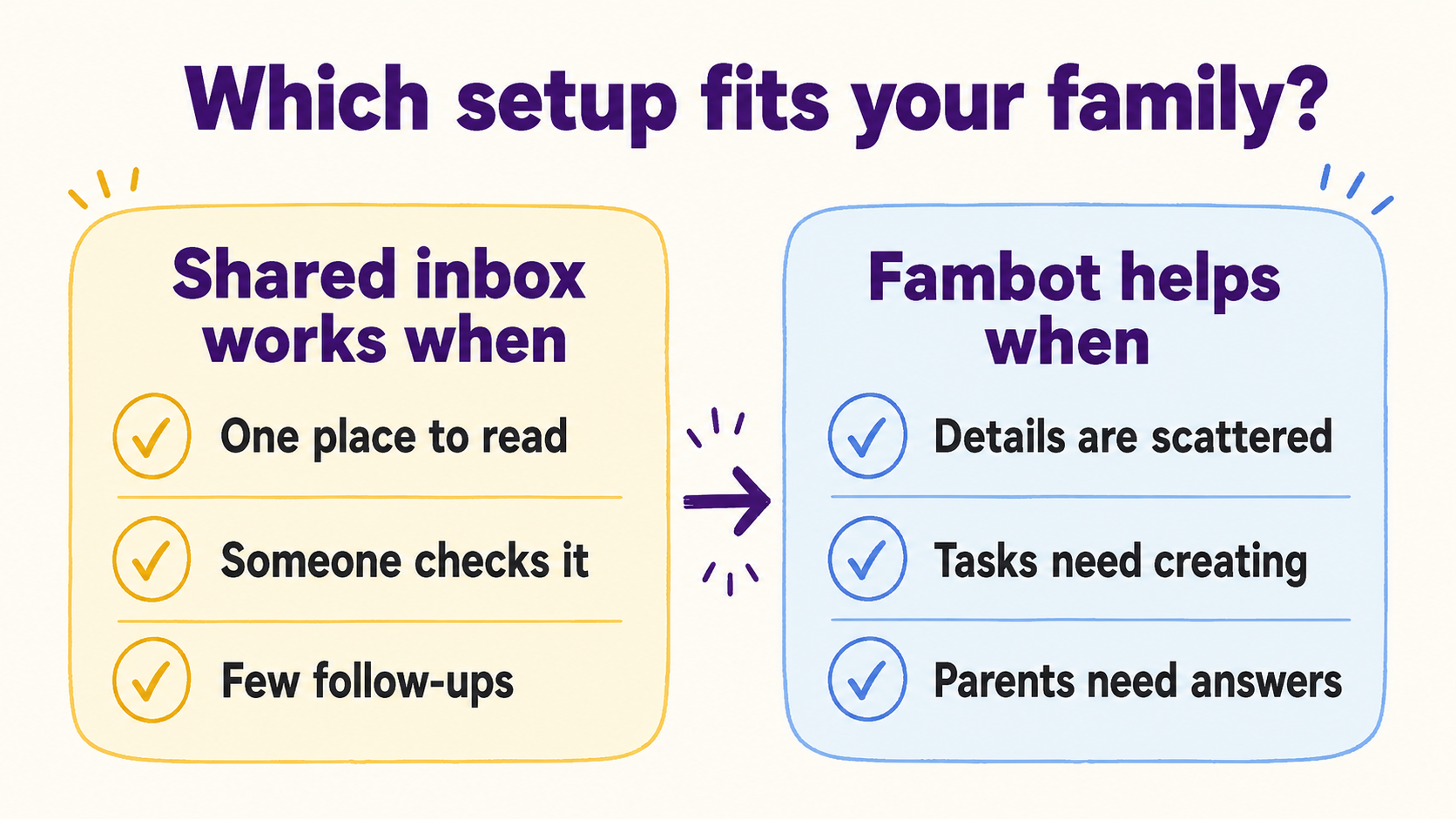
When is a shared family inbox enough, and when do parents need Fambot?
A shared inbox is enough when messages are light, one caregiver likes checking email, and the family already has a dependable calendar and task habit. Fambot is a better fit when school details are scattered, caregivers miss different messages, activities change often, or parents keep searching old emails for what to do next.
A shared inbox works when:
- The family mainly needs one address for school messages.
- Someone reliably checks and triages the inbox.
- Most messages need reading, not follow-up.
- The family already keeps a calendar and task list up to date.
Fambot helps when:
- Important details arrive across emails, calendars, PDFs, links, photos, and activity updates.
- Parents keep reading the same message again to find the time, place, form, or deadline.
- The family needs tasks, reminders, calendar details, and follow-up questions created from the message.
- Caregivers need a daily plan with what to know, do, and decide.
The simplest way to choose is to ask what problem you are solving. If the family only needs shared access to school email, use a shared inbox. If the family needs help turning scattered school and activity details into next steps, download Fambot from the iOS App Store or Google Play and set up a shared family account.
Sources
- NCES - Used for 2022-23 school communication rates for school-wide notices, student-specific emails or notes, and phone calls.
- Gmail Help - Used for Gmail automatic forwarding and filter-based forwarding behavior.
- Google Workspace Learning Center - Used for Collaborative Inbox assignment, search, and completion features.
- Microsoft Learn - Used for shared mailbox monitoring, sending, and permission behavior.
- Google For Families - Used for family calendar sharing and event editing behavior.
- Gmail Help: delegation - Used for Gmail delegate access capabilities and personal Gmail delegate limits.




